5 Free Graphic Design Tools to Launch Your Creative Career Today
Top 5 free graphic design tools: Canva, GIMP, Inkscape, Figma & Photopea. Build a professional design portfolio without spending money.
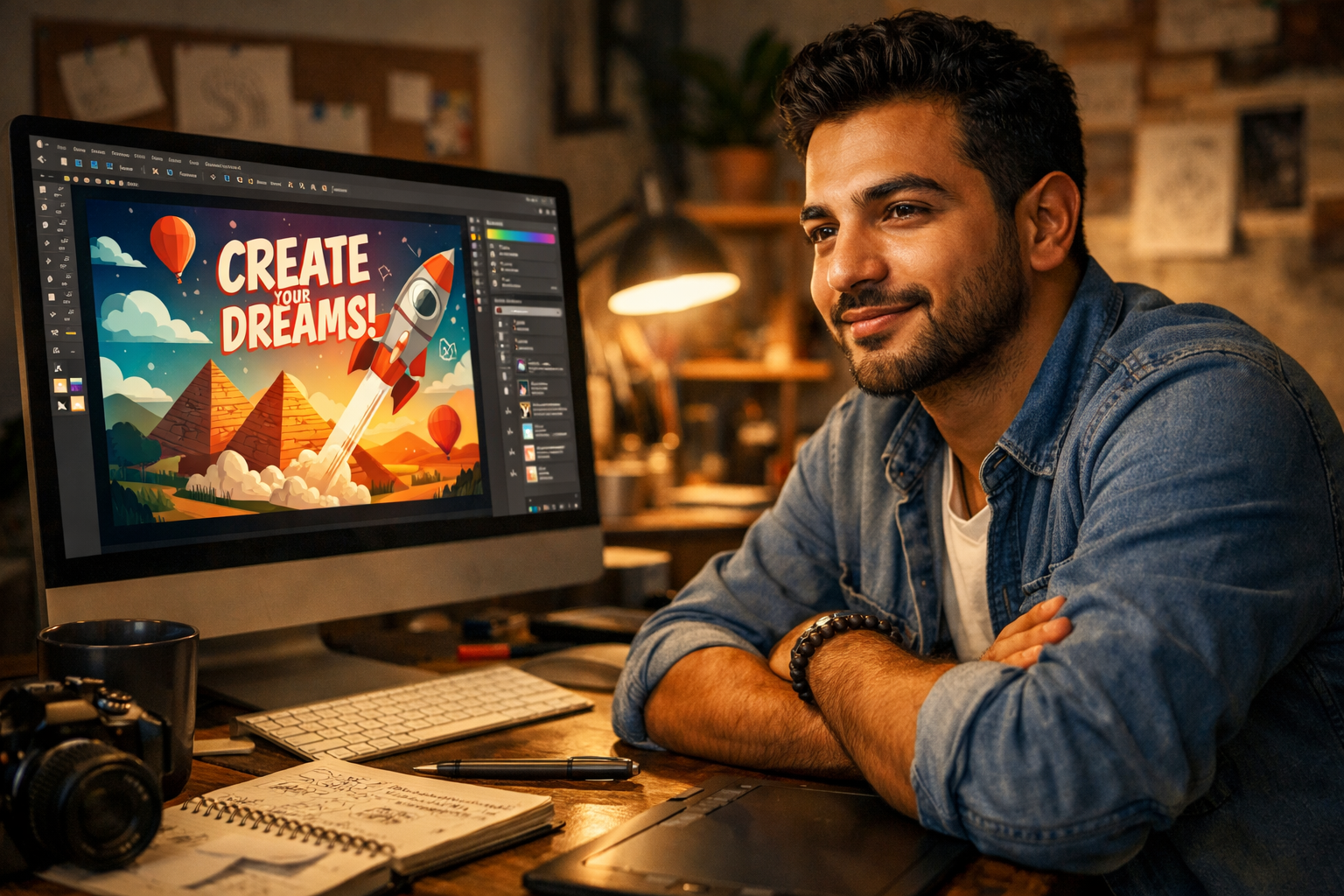

The Problem: The Cost of Creativity and Imposter Syndrome
You have the passion. You have the eye for design. But every time you look at the industry standard software—Adobe Photoshop, Illustrator—you see a monthly subscription fee that feels like a wall. You're Creative Karim, the career switcher, and you're thinking: "How can I turn my hobby into a profession without a huge investment, and how do I overcome this imposter syndrome when I can't afford the 'pro' tools?"
The truth is, the barrier to entry for professional graphic design has never been lower. You don't need to break the bank to start building a stunning portfolio and landing your first client. The key is knowing which free tools offer professional grade features. This article is your guide to the best free graphic design software for beginners , proving that your talent, not your budget, is what truly matters.
We’ll dive into five powerful, free tools that will help you create high quality visuals, build your portfolio, and finally silence that voice of doubt. Yalla , let's unlock your creative potential!
Why Free Tools Are Your Secret Weapon Against Imposter Syndrome
Many aspiring designers suffer from the belief that they need expensive software to be taken seriously. This is simply not true in the modern freelance world.
1. Focus on Fundamentals: Free tools force you to focus on the core principles of design—composition, color theory, and typography—rather than getting lost in complex, proprietary features. This makes you a better, more adaptable designer.
2. Accessibility and Practice: The easier it is to access a tool, the more you will practice. Consistent practice is the only cure for imposter syndrome. With free tools, you can design anytime, anywhere.
3. The Client Doesn't Care ( Client Deliverables): Clients pay for results. They care about the quality of the final client deliverables (logo, social media post, brochure), not the software used to create it. A stunning design from a free tool is always better than a mediocre one from an expensive one.
The Top 5 Best Free Graphic Design Software for Beginners
Here are the five essential tools that offer the power you need without the price tag.
1. Canva: The Quick Win Content Machine
• Best For: Social media graphics, presentations, quick mockups, and content creation.
• Why it Works: Canva is the ultimate drag and drop tool. It has thousands of professional templates, making it incredibly fast to produce high quality visuals. It’s perfect for getting your first few clients who need simple, fast content.
• Pro Tip: Use Canva to quickly mock up your ideas before moving to a more complex tool.
2. GIMP (GNU Image Manipulation Program): The Free Photoshop Alternative
• Best For: Photo editing, advanced retouching, and complex raster graphics.
• Why it Works: GIMP is an open source powerhouse that offers nearly all the features of Photoshop. It has a steeper learning curve, but mastering it proves you understand professional image manipulation.
• Pro Tip: If you want to learn the industry standard workflow without paying, GIMP is the perfect training ground.
3. Inkscape: Vector Graphics Without the Subscription
• Best For: Logo design, illustrations, and scalable vector graphics (SVGs).
• Why it Works: Inkscape is the free, open source equivalent of Adobe Illustrator. Vector graphics are essential for logos and print work because they can be scaled infinitely without losing quality. This is a must have for any serious creative.
• Pro Tip: Use Inkscape to create your own personal branding and logo—it’s a great portfolio piece.
4. Figma: The UI/UX Design Standard
• Best For: Website design (UI/UX), mobile app mockups, and collaborative projects.
• Why it Works: Figma is the industry leader for interface design, and its free tier is incredibly generous. If you are interested in designing websites or apps, this is the tool you need to master. It’s also excellent for team collaboration, a key Freelance Collaboration skill.
• Pro Tip: Even if you don't code, designing a simple, beautiful website for a fictional client in Figma is a powerful portfolio piece.
5. Photopea: The Browser Based Lifesaver
• Best For: Quick edits, opening PSD files, and working on any computer without installation.
• Why it Works: Photopea is a free, browser based editor that is remarkably similar to Photoshop. It can open and save files in PSD format, making it an excellent bridge tool when you need to work with files from clients who use Adobe products.
• Pro Tip: Keep Photopea bookmarked for those times when you need to make a fast edit on a client file but are away from your main computer.
Building Your Portfolio with Free Tools (The freelancegy Way)
Having the tools is only half the battle; knowing how to use them to create a client winning portfolio is the other.
1. The "Before & After" Strategy:
Use your chosen free tool to take a poorly designed local business asset (a menu, a flyer, a social media ad) and redesign it professionally. Present the "Before" and the "After" in your portfolio. This demonstrates problem solving, which is what clients actually pay for.
2. Master One Tool First:
Don't try to learn all five at once. Pick the one that aligns with your desired career path (e.g., Figma for UI/UX, Inkscape for logo design) and become proficient. You can always expand later.
3. Focus on Practical Projects ( Practical Projects):
Your portfolio should showcase practical projects that solve real world problems. This is exactly what the freelancegy platform emphasizes: learning by doing.
Conclusion: Your Creative Journey Starts Now
The only thing holding you back is the belief that you need expensive software. The tools listed above are used by millions of professionals worldwide and are more than capable of launching your creative career. Stop suffering from imposter syndrome and start creating. Your passion is your greatest asset, and these free tools are your first investment.
Call to Action (CTA)
Ready to move beyond the tools and master the skills that turn a hobby into a profitable career?
Sign up for the Free Explorer course today. You'll get 10 free introductory lessons and learn how to master the basics of design and build your first portfolio ready project. It's the structured path you need to turn your creative passion into a profession.
Internal Links
• Sign up for the Free Explorer Course
• The freelancegy Creative Tracks (Graphic Design, Video Editing, etc.)
• Blog Post: How to Build a Video Editing Portfolio for Beginners